
Colour Contrast Checker
Check WCAG contrast ratios for readable accessible interfaces. No account needed.
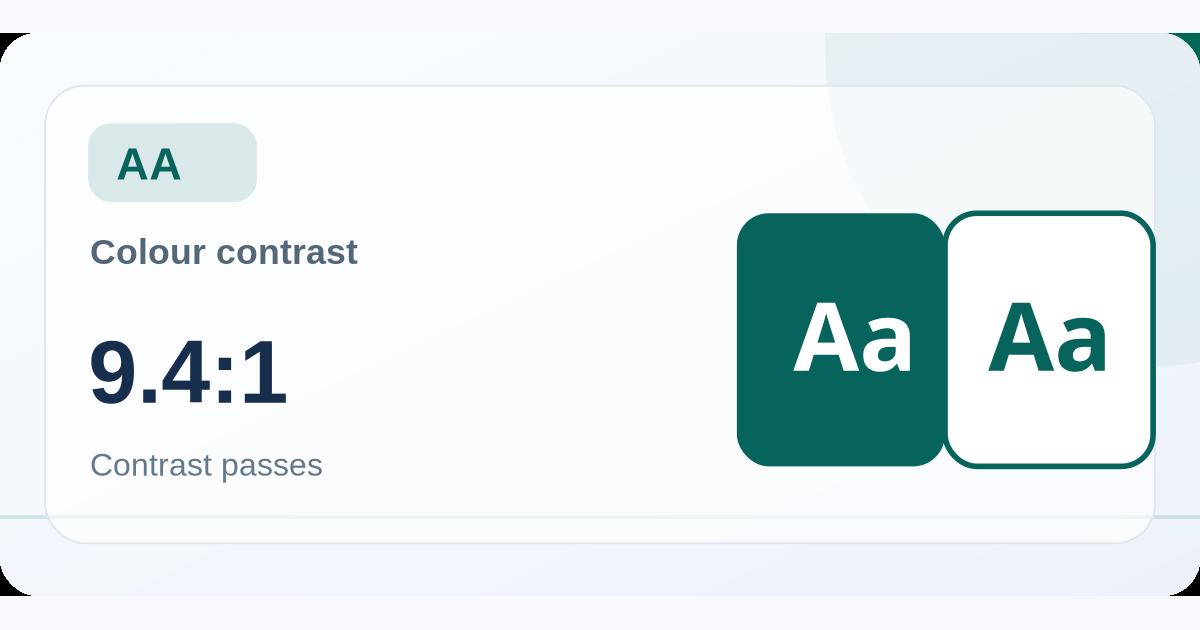
Check foreground and background
Make your website content readable
This checker applies the WCAG relative luminance formula to two opaque HEX colours. In WCAG 2.2, normal text generally requires at least 4.5:1 for AA; large text generally requires at least 3:1. Other accessibility requirements still apply, including focus visibility, non-text contrast and colour-independent cues.
The pass results assume solid foreground and background colours, with no transparency, blending, gradients or images behind the text. Verify real UI states and surrounding context before declaring a full page accessible.
Frequently asked questions
What counts as large text?
Typically at least 18pt (24 CSS px) regular weight or 14pt (about 18.7 CSS px) bold, as defined in WCAG.
Does a passing ratio mean my entire website is accessible?
No. Contrast is one criterion. Keyboard access, semantics, focus and interaction must also work.
Planning a publishing or advertising campaign?
Talk to iMELLO about relevant advertising inventory, sponsorships and media opportunities.